One design doc in. A playable UI kit out.
Upload your game or app design doc. UXLora builds the design system, every screen, the art and a clickable prototype you can export to Figma.
Unlimited screens per kit · Most kits take around 25 minutes
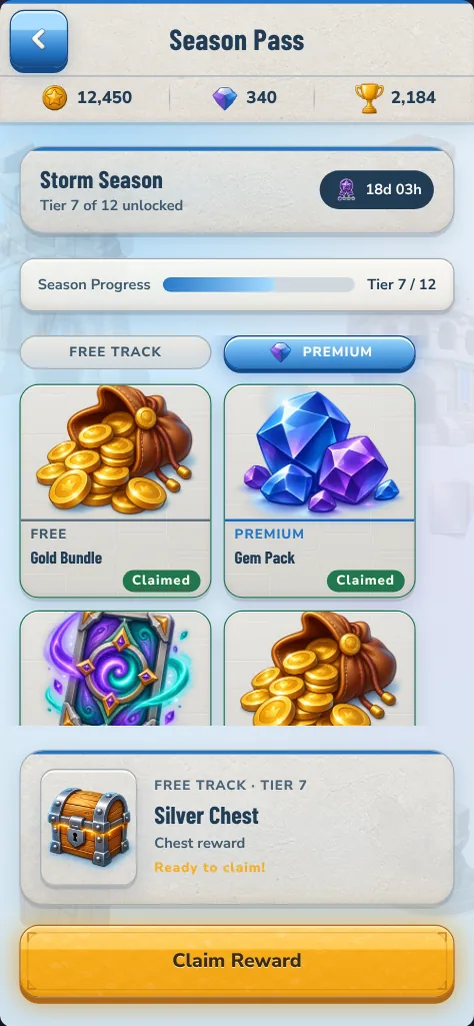
Same design doc. 12 screens. Every tap tested.
Test run in October 2026 with the same design doc and each tool's default settings. Google Stitch and Figma Make are trademarks of their respective owners. UXLora is not affiliated with or endorsed by them.
From design doc to playable kit in three steps
- 1
Upload your design doc or answer a few questions
PDF or DOCX up to 10 MB. We read it and only ask for what's missing.
- 2
UXLora designs the design system, every screen and the art
Every screen in one consistent style. Most kits take around 25 minutes.
- 3
Play the prototype and export to Figma or PNG
Share a public prototype link, then import editable layers through the Figma plugin.
Everything you need to build the real thing
Design system
Colours, type, spacing and components chosen for your product.
Unlimited screens
Choose every screen your product needs, on any plan.
Generated icons and illustrations
Original art made for your kit, plus textures for game kits.
Clickable prototype
Every screen linked and playable, with a public link to share.
Editable Figma layers
Import design tokens and screens through the UXLora Figma plugin.
PNG of every element
Full screens, buttons, icons, containers and backgrounds, for game and mobile kits.
Games, mobile apps and web apps
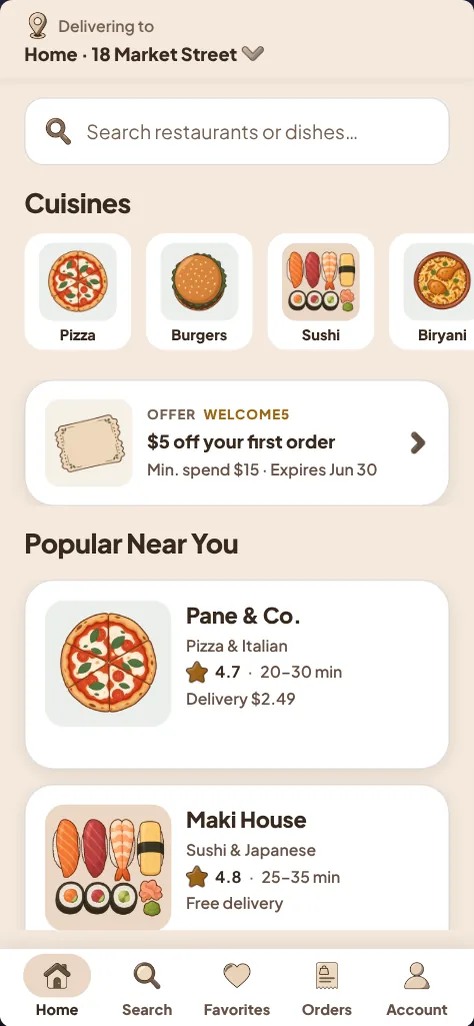
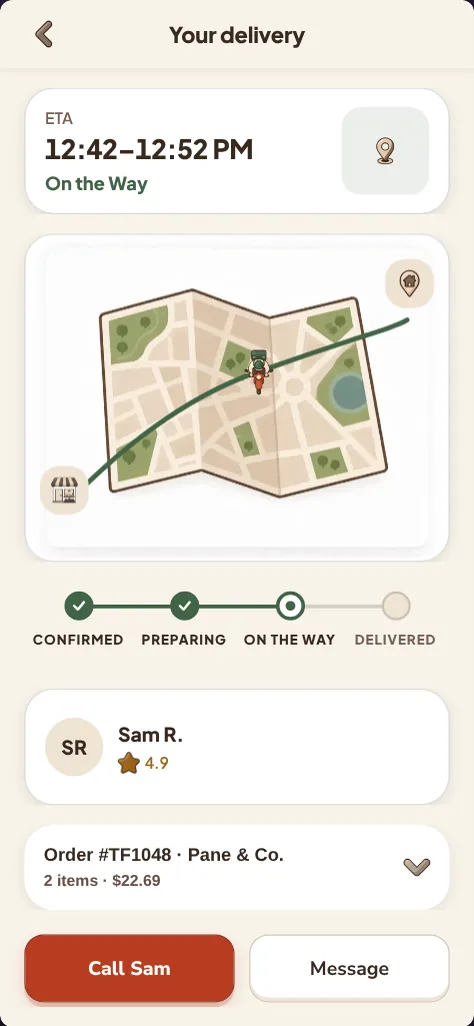
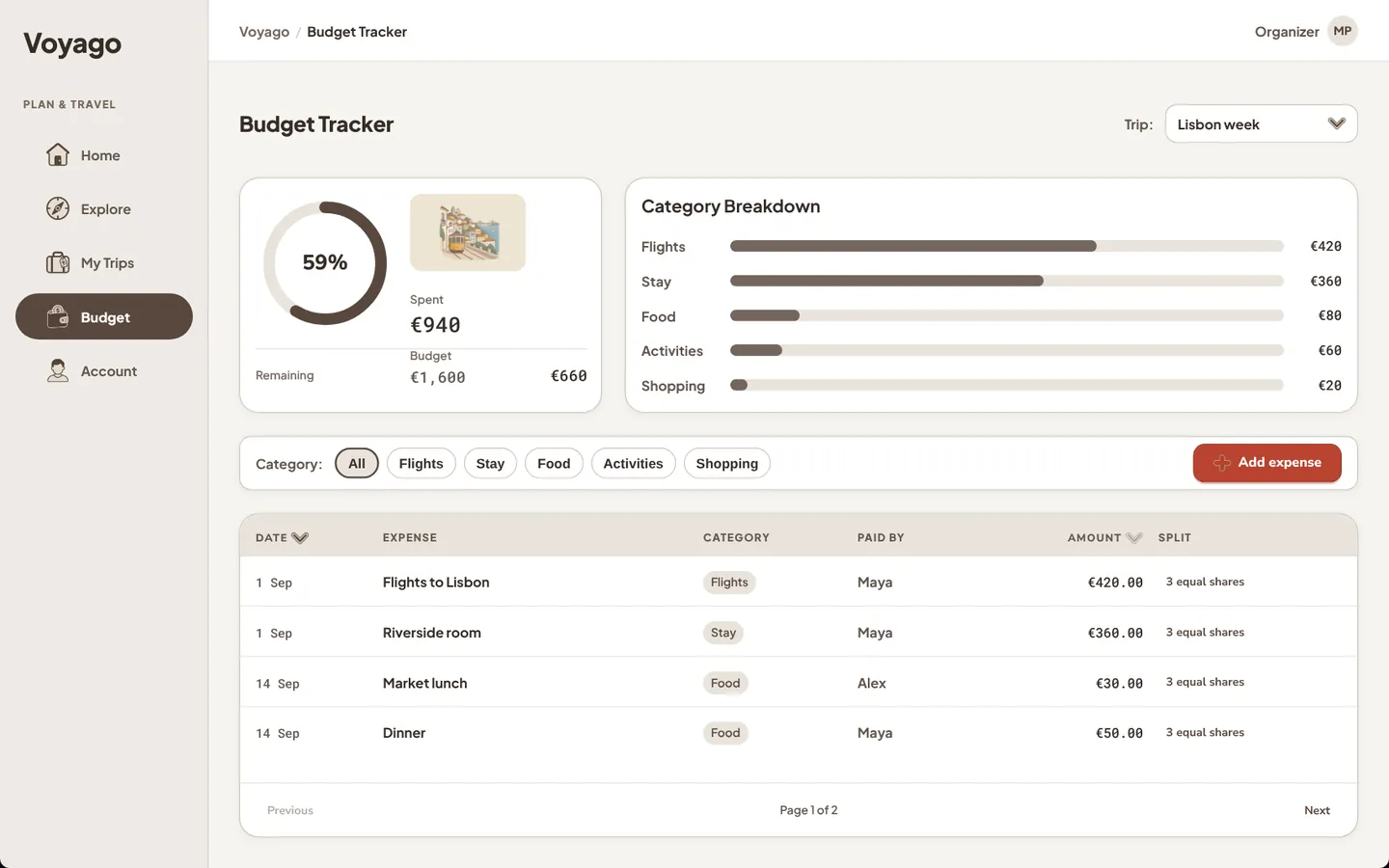
Not the fastest. Not the cheapest. The best quality in game UI.
Most kits take around 25 minutes. We spend that time getting every screen right.
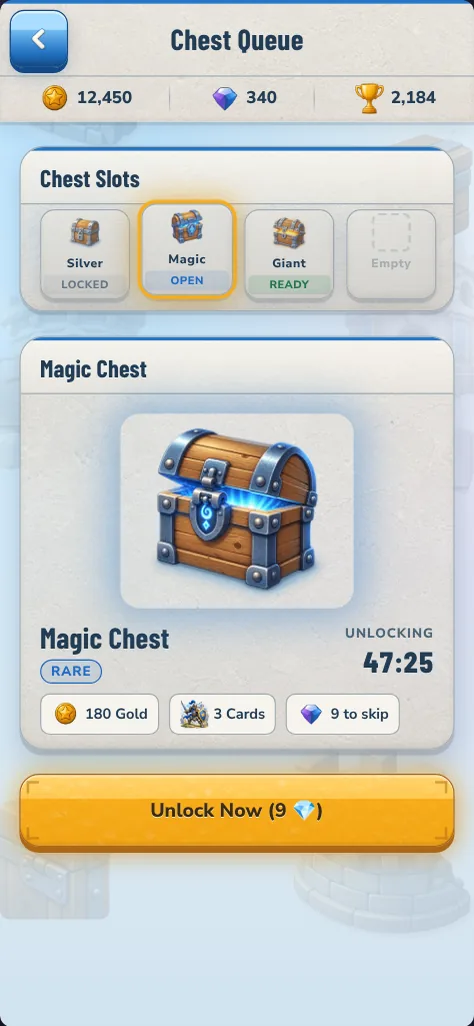
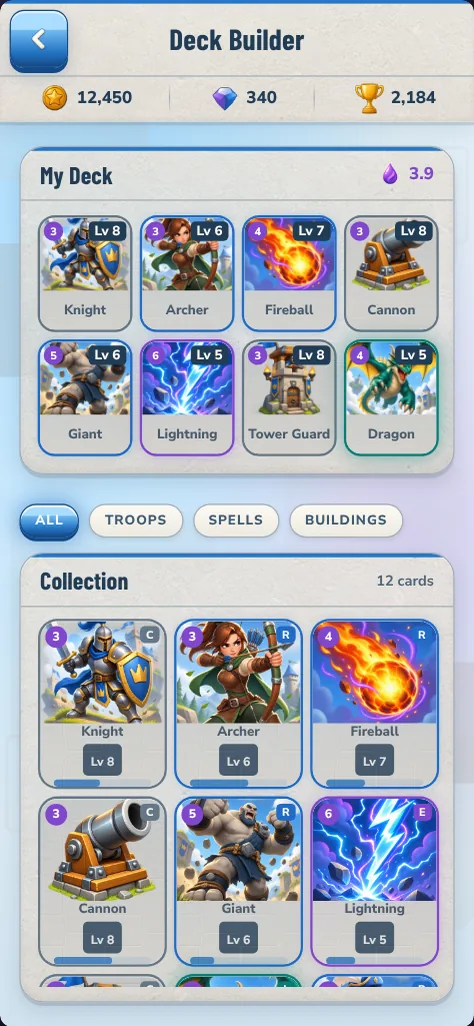
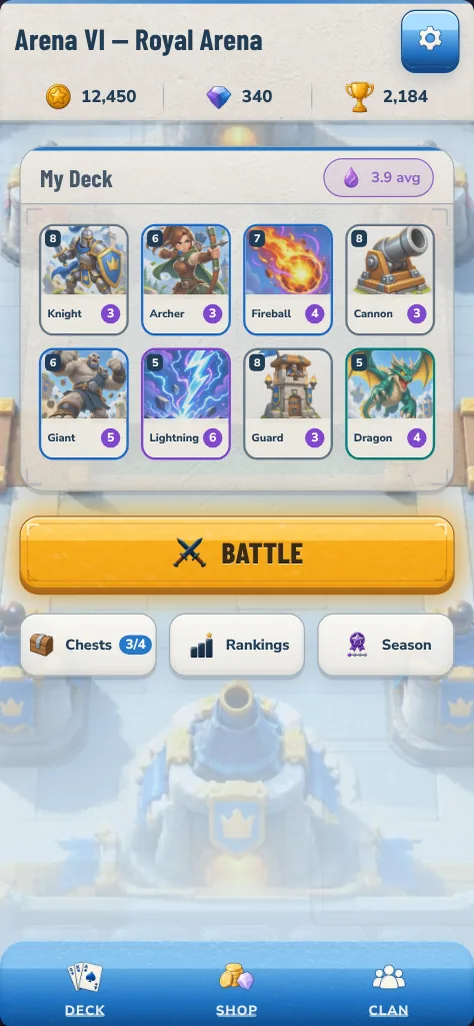
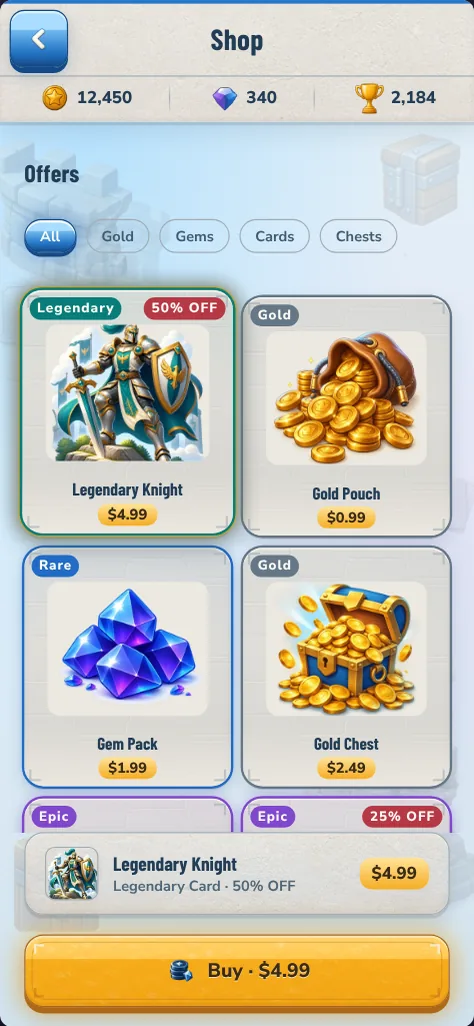
UXLora, HTML to Figma Export — live on Figma Community
Bring your kit into Figma as editable layers. Import the design tokens, the screens, or both.
Open in FigmaUnlimited screens per kit
Questions, answered
What do I upload?
Your game or app design document as a PDF or DOCX, up to 10 MB. No document yet? Answer guided questions instead, which takes about 10 minutes.
How long does it take?
Most kits take around 25 minutes. You can close the page and come back later.
What do I get?
A design system, every screen you chose in one consistent style, generated icons and illustrations (plus textures for game kits), a clickable prototype, editable Figma layers through the plugin, and PNG exports of every element for game and mobile kits.
How does Figma export work?
Open the free UXLora, HTML to Figma Export plugin in Figma, click Connect UXLora and sign in, select your kit, then import its design tokens or screens as editable layers.
Can I cancel?
Yes. Cancel anytime and keep access until the end of your billing period.